 Alarm Challenge
How it works
It isn't laziness. It's that deciding is the hard part.
For the first several minutes after waking, the part of your brain that makes decisions is still coming online. So the app never asks you to decide — every choice is made the night before, and the morning is just doing.
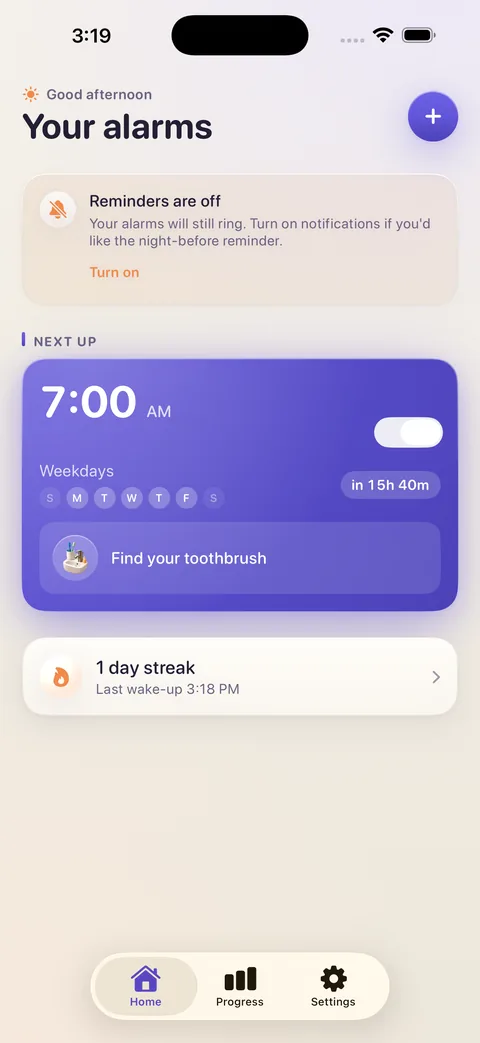
 Set the alarmTime, days, tone. Two minutes.
 Pick a missionOr let Surprise Me pick, the night before.
 It ringsThrough silent mode and Focus. No snooze to lean on.
 You do the thingPhotograph it, solve it, walk it off.
 The noise stopsYou're up. The streak ticks over.
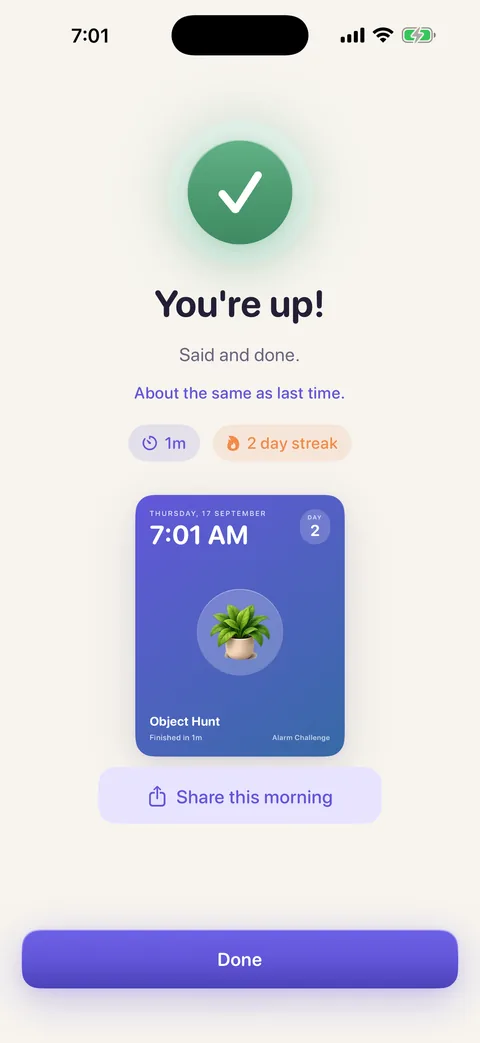
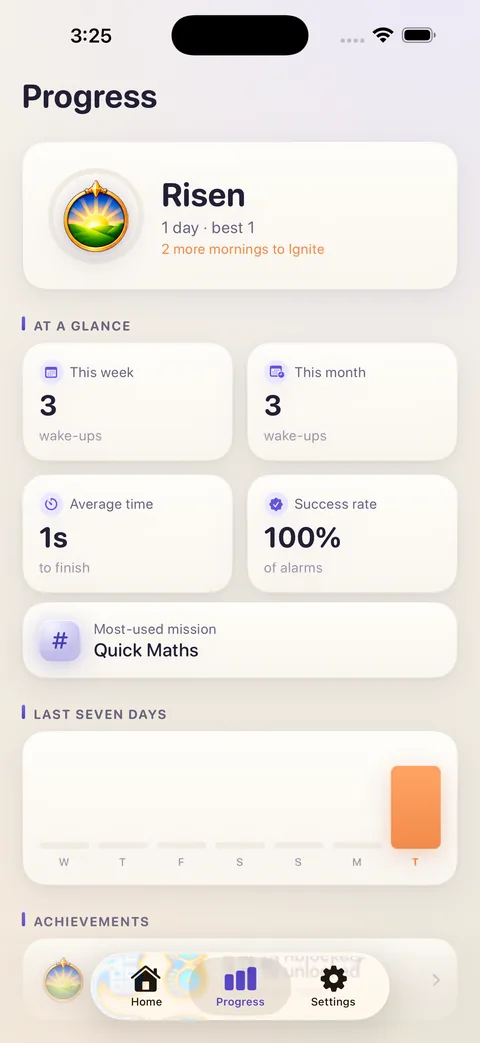
On the phone
The rest of the app.
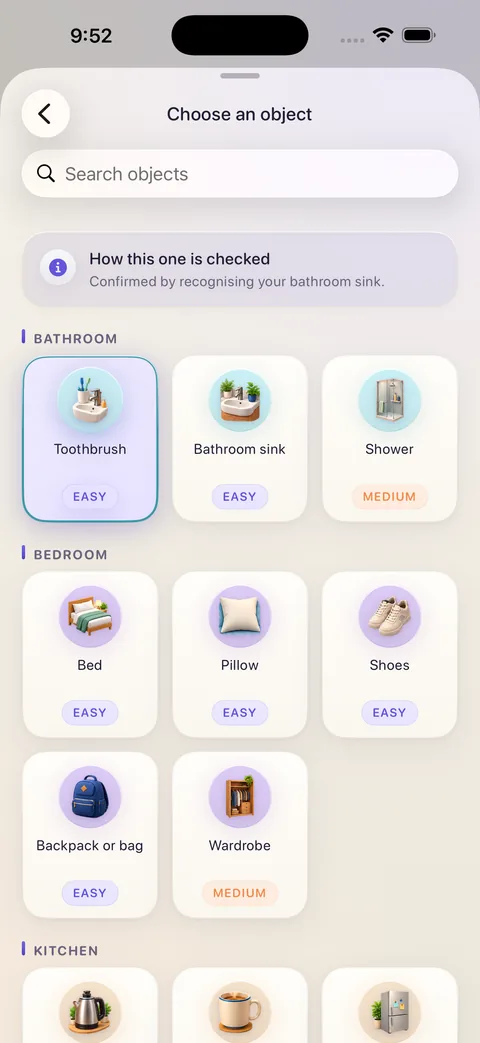
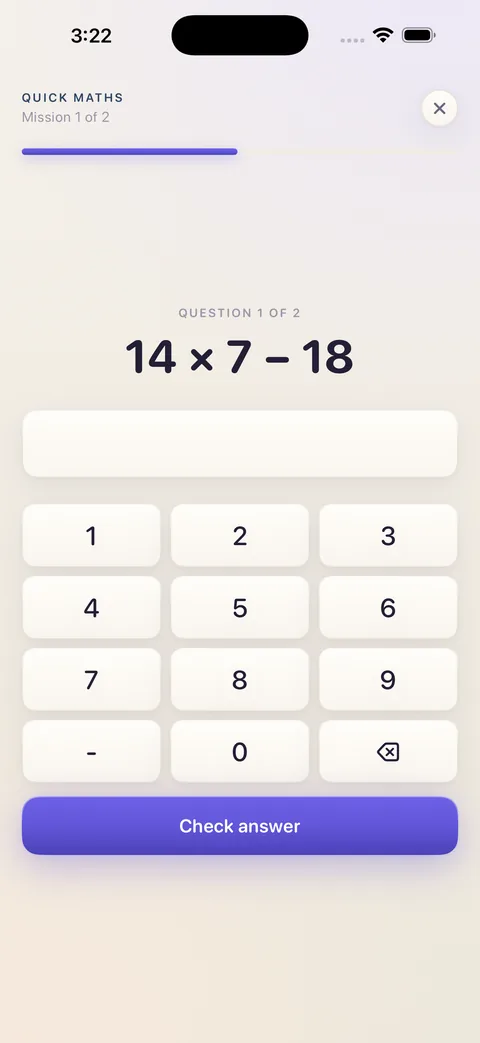
Eleven missions
Six use the camera. Five don't.
Pick one, or chain several. Surprise Me picks for you the night before.
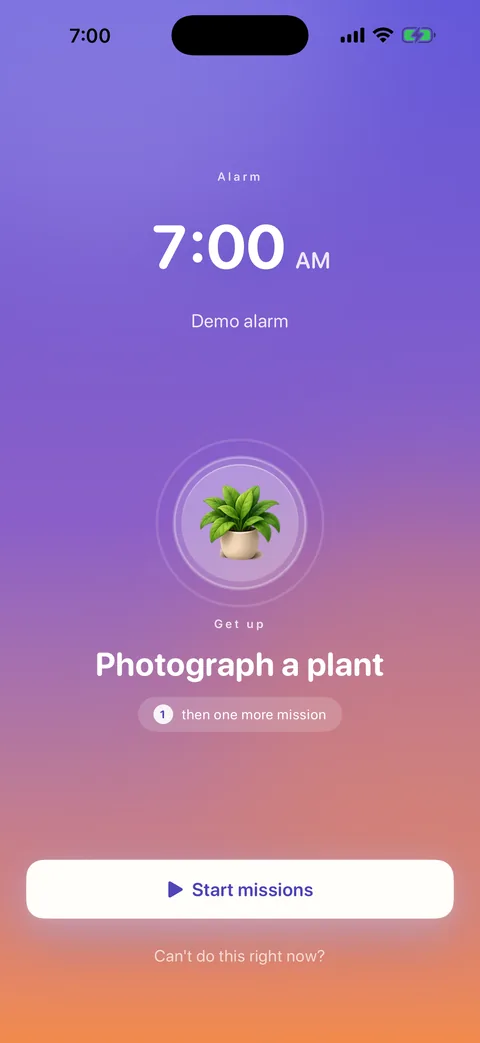
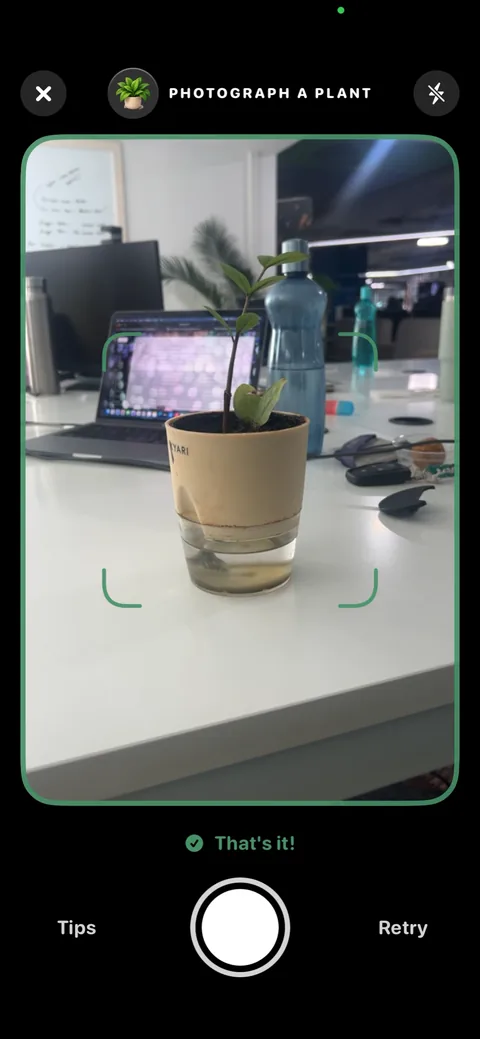
Object HuntPhotograph something specific from around your home Nature HuntFind something growing
 Pet CheckPhotograph your cat or dog
 Make Your BedStraighten the covers, then photograph it
 Touch GrassStep outside and photograph where you areSky PhotoPoint the camera up
 Quick MathsSolve sums your half-asleep brain can't guess
 Say It Out LoudRead one line aloud
 Take StepsWalk a few steps. Impossible lying downShake It OffShake until the count runs outSurprise MeA different mission each morning
Object Hunt
Thirty-nine everyday things, so it never feels the same twice.
Your kettle, your toothbrush, your shoes, the fridge, a houseplant, your keys. It knows what a bathroom looks like, so it knows your toothbrush is in one.
Privacy
Nothing you photograph ever leaves your phone.
Photo missions analyse camera frames on the device as they arrive, then discard them. No photo is uploaded, written to disk, or saved to your library. There is no account to make and no server holding your data — alarms, missions and recognition all work with aeroplane mode on. The app reports anonymous usage events so we can see which features work, and there is a switch in Settings to turn that off.
Fourteen tones, five families
From barely there to genuinely unpleasant.
Every tone was measured and mastered to its family's loudness, so the grouping tells the truth. Figures are the loudest one-second window.
Streaks
Seven tiers, nineteen achievements.
Risen on your first finished morning. Eternal at a hundred days. A shareable card for every morning in between.
RisenDay 1 IgniteDay 3
 HorizonDay 7
 AuroraDay 14
 CelestialDay 30
 NebulaDay 60
 EternalDay 100
Questions
The ones people actually ask.
Does it really ring with the silent switch on?
Yes. Alarms are scheduled through Apple's AlarmKit — the same mechanism the built-in Clock uses — so they ring through silent mode and through Focus, and appear on the Lock Screen until the mission is done.
What if I genuinely can't do the mission?
Every mission has an emergency stop — "Can't do this right now?" on the alarm screen. It ends the alarm and records an incomplete morning. Nothing worse than that.
Can I just quit the app to make it stop?
No. The alarm rings at system level, so leaving or force-quitting the app doesn't silence it, and the mission is exactly where you left it when you come back. If you hit Stop on the Lock Screen with missions outstanding, a follow-up alarm re-arms.
Where do my photos go?
Nowhere. Camera frames are analysed on your iPhone as they arrive and discarded. No photo is uploaded, saved to disk, or added to your library. There's no account and no server holding them.
Does it need an internet connection?
No. Recognition, alarms, streaks — all of it runs on the phone. It works with aeroplane mode on.
What's free?
Two alarms, the Object Hunt mission and the First Light tone, for as long as you use the app — no trial clock. Plus adds every mission, every tone, mission chains, the wake-up check and unlimited alarms.
Which iPhones?
Any iPhone on iOS 26 or later. AlarmKit doesn't exist before iOS 26, and it's the only way to ring through silent mode, so there's no version for older systems.
Pricing
Two alarms and Object Hunt are free. Forever, not for a trial.
Plus unlocks every mission, every tone, mission chains, the wake-up check and unlimited alarms. US pricing shown; the App Store displays your own currency.
$3.99
per week
$7.99
per month
$39.99
7 days free, then $39.99/year
$79.99
one payment